Posts Tagged string args
Java Tutorial 1 – Downloading IDE and setting up new java project
In this tutorials what we do basically is get required tools and set our first project.
we require 2 things to be installed:
IDE means Integrated development environment which provides environment within our PC to create, edit, run and debug the java projects. Netbeans IDE is free and cool enough for use, but you can also use Eclipse or any other IDE (doesn’t matter).
Download both by clicking on above links. Just make sure you install JDK first.
(enough is enough when we start programming huh????)
Lets start:
Open Netbeans u just installed click on the new button shown below and follow the steps.


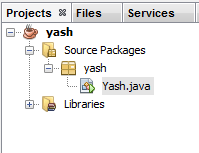
you can see your classes and files you create in you projects and navigate between them here.
 This is your Editor window
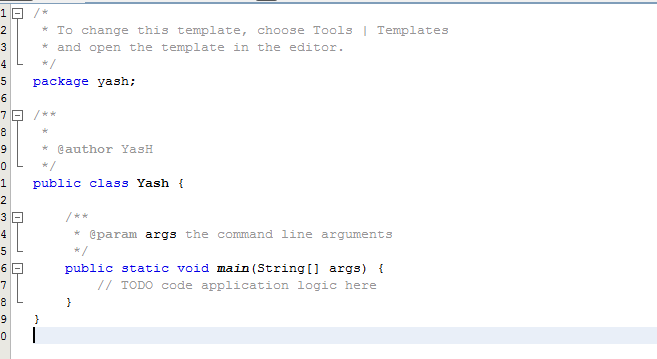
U can see here You have a class named “Yash”(or whatever you named it) (its gud habit to start name of the class with capital letter) and we have a method called public static void main(String[] args) which is exactly same as void main() of the C/C++.
For those who didn’t mess with programming yet main() is the method from which program starts.
We will start with simple program that outputs a sentence (String).
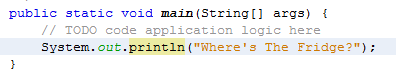
add a line “System.out.println(“Where’s The Fridge ?”);
now click on the Run button and you can see the output in window below the editor screen.

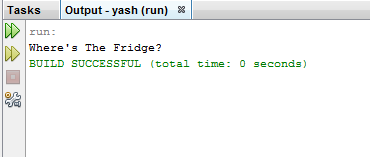
(what’s going on??)
System.out.println(); is the method which takes a String as a argument and prints it.
In next tutorial we will see how to get data from the user.
Have a nice day, Peace.
 Idiot4